THEIA II heart rate, blood oxygen, daily activity and sleep
12-Heart rate
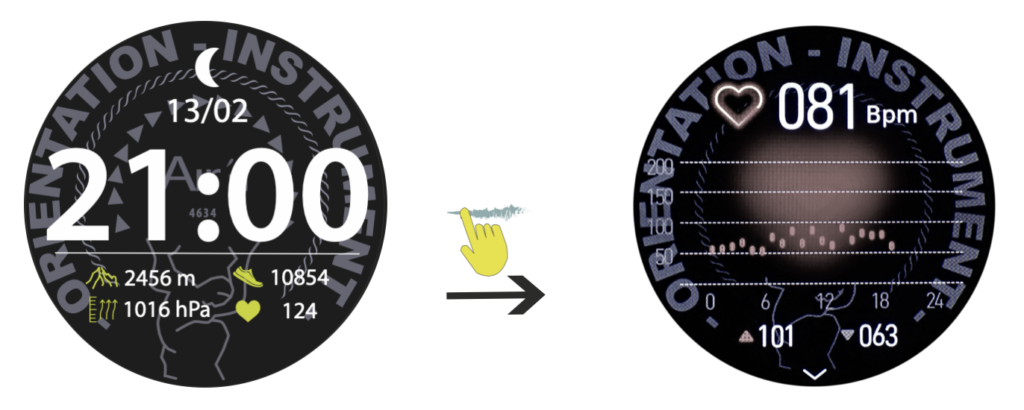
From the “home” page, sweep the dial to the left until you reach the heart rate page.
Press the crown or slide the dial to the right to return to the “home” page.
In order to optimize data accuracy, it is recommended that you wear the watch loosely on your wrist. It should also be noted that water (sweat, water sports, etc.) can affect data quality. Finally, a tolerance of approximately plus or minus 15% should be considered.
Press the crown or slide the dial to the right to return to the “home” page.
13-Blood Oxygen
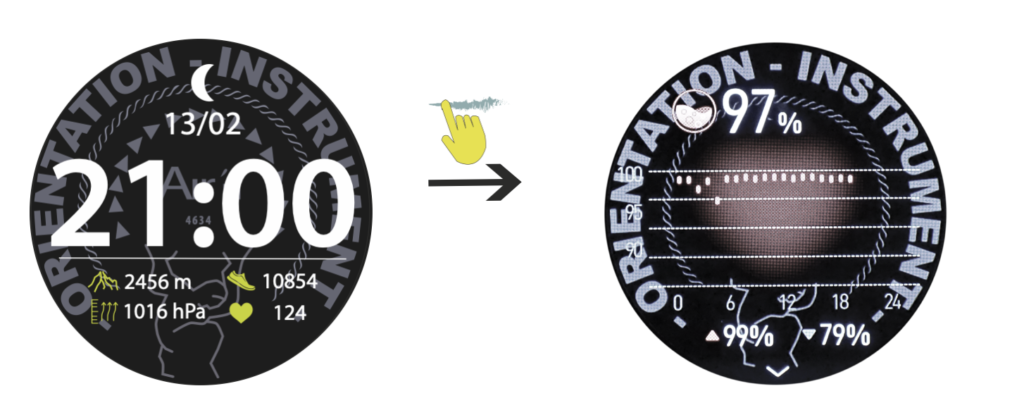
From the “home” page, sweep the dial to the left until you reach the hypoxia page.
Press the crown or slide the dial to the right to return to the “home” page.
14-Daily activity
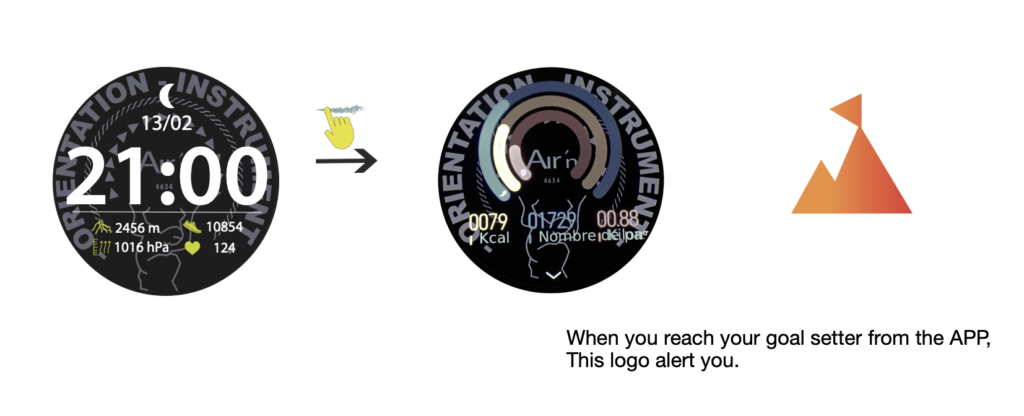
From the “home” page, sweep the dial to the left until you reach the daily activity page. The daily goals are set up from the APP.
The blue line indicates the number of steps taken daily (you can set a daily target from the app).
The orange line indicates daily calories consumed (you can set a daily target from the app).
The red line shows daily kilometers covered (you can set a daily target from the app).
Calories and kilometers are calculated on the basis of personal data entered in the airn connect application.
Slide the dial down to view your daily and weekly pedometers.
Press the crown or slide the dial to the right to return to the “home” page.
15-Sleep analyse
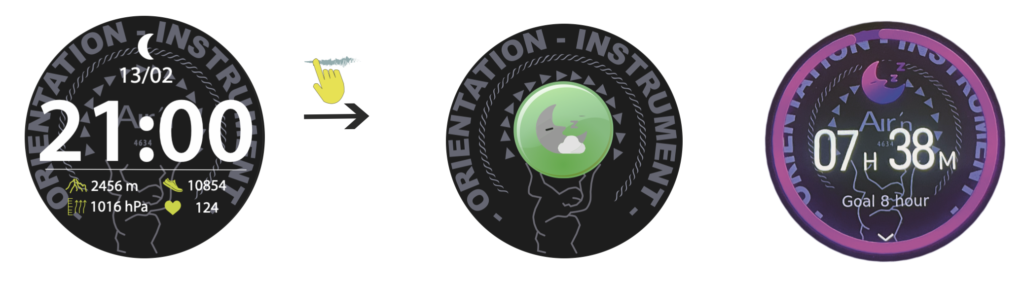
From the “home” page, sweep the dial to the left until you reach the sleep page.
On first use, the page displays a green icon. Once you've worn the watch at night, it will display an analysis of deep and light sleep. Use the rotating crown or scroll down the dial to consult.
Press the crown or slide the dial to the right to return to the “home” page