THEIA II offline maps: load and manage maps
20-Map management on your watch
You have 4GB of memory on your THEIA II watch. That's enough for several countries. From the factory, we deliver our watches including: Switzerland, the Provence Alpes Côte d'Azur region, north-east and north-west Italy.
If you wish to modify this list, you must connect your watch to a computer.
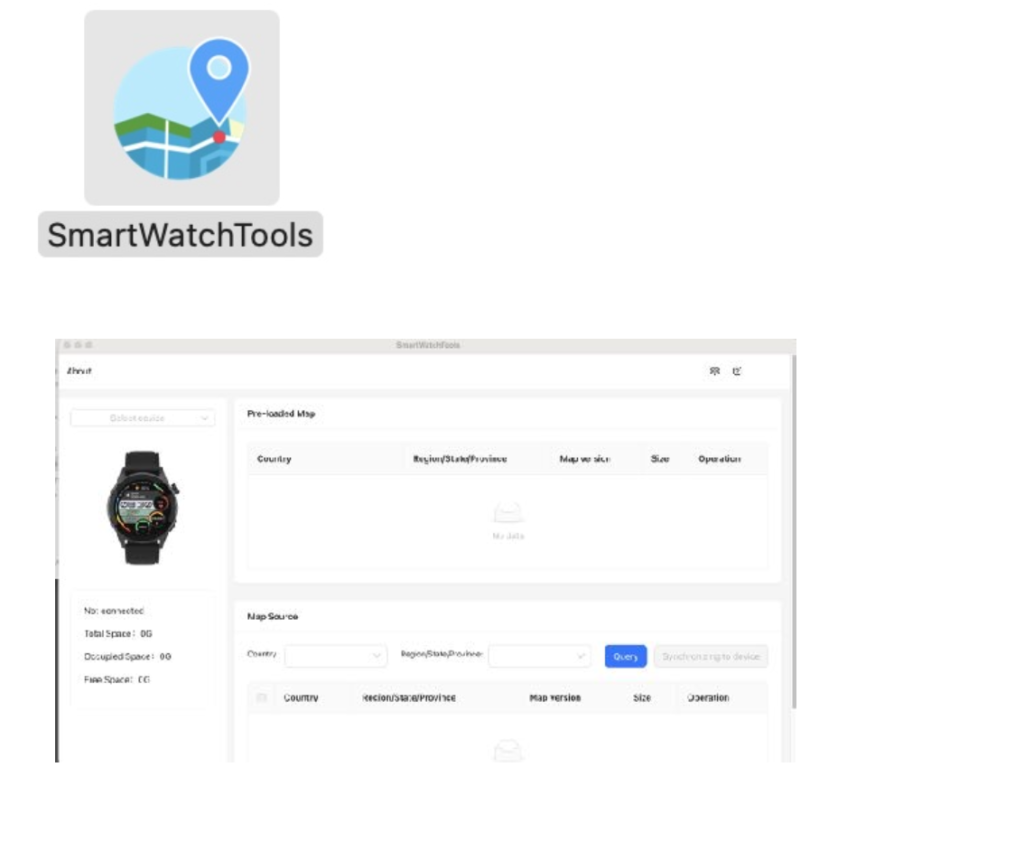
1- Please visit our website on the following page:
2- Download the software according to your platform (Mac or Windows)
3- Follow the instructions to install the software.
4- Open the software and connect your watch using the USB cable supplied.
5- A message opens on the watch, press and hold the dial.
6- The software recognizes your and authorizes you to manage all the watch's cartography, informing you of the space available.
Warning: installing the cartography may take some time; please wait until the entire procedure is complete before disconnecting your watch.