THEIA II settings: watch configuration and quick access
4-Watch configuration
You can set several parameters to configure your watch:
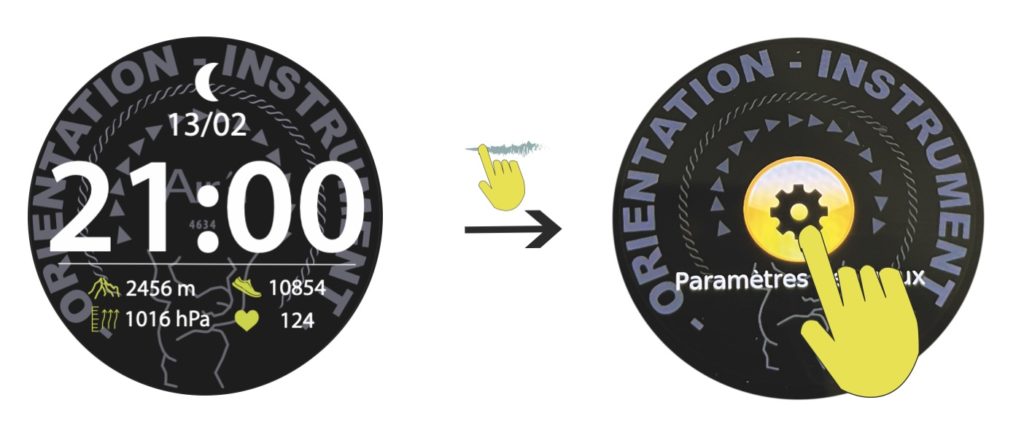
From the “home” page, go to the “general settings” page by sweeping the dial to the left 10 times as shown below. You can also join this mode by sweeping the dial to the right and selecting the corresponding icon. Press the icon to enter configuration.
1-Find a phone lets you make your phone ring by clicking on the icon. Note that the Bluetooth range is around 15 meters.
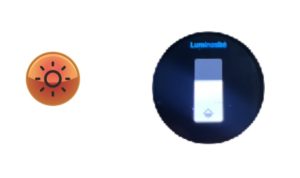
2-Brightness lets you adjust the brightness of the dial. Note that if you're using the watch in direct sunlight, it's advisable to set the brightness to full power for best legibility. Conversely, reduce the brightness in twilight conditions. Click on the icon and adjust the slider as required.
3-Screen time lets you set the display time from 6 to 50 seconds. Note that the processor analyzes display periods and may reduce them from time to time. Click on the icon and set the timer.
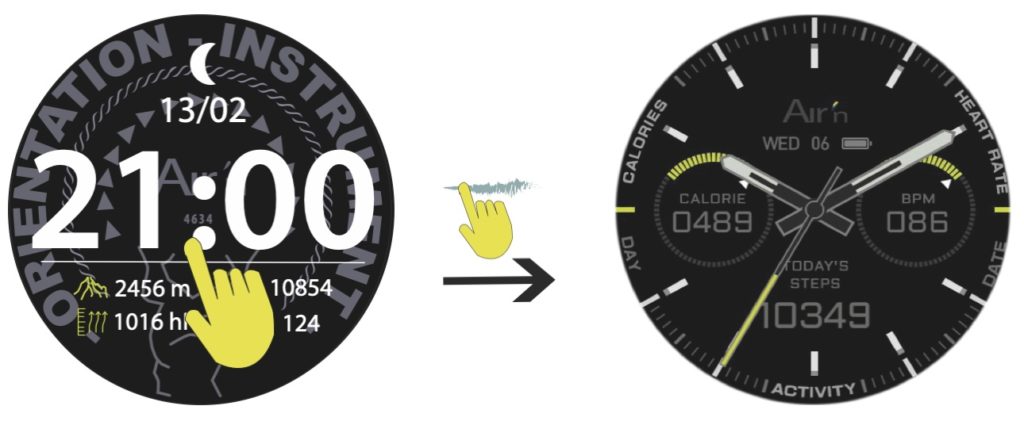
4-Dial change lets you switch between a digital display dial with time, date, moon phase, heart rate, pedometer, altitude and atmospheric pressure, and an analog dial (hands) with time, date, pedometer, Kcal and heart rate. Scroll through the dials and press to select.
5-Always ON display provides a permanent display. Click on the icon and the switch.
6-“Do not disturb” mode lets you wear your watch at night without being disturbed by notifications and without moving the dial. You can set a time slot or assign the whole day. Click on the icon and set the appropriate time slot or select all day.
7-Power save reduces brightness and disables notifications. Click on the icon and then on the virtual switch.
8-Location information allows you to choose the location of notifications, either up or down. Click on the icon and make your choice.
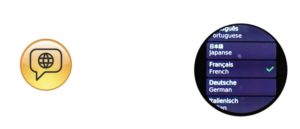
9-Language lets you choose from 10 languages. Click on the icon, then scroll through the options. Confirm your choice by clicking on the chosen language.
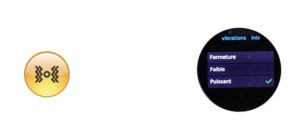
10-Vibration intensity offers 3 possibilities: low, normal or powerful. Click on the icon, then confirm your choice by clicking on one of the three options.
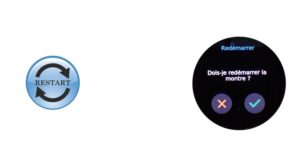
11-Restart, as its name suggests, turns the watch off and then on again. Click on the icon and confirm or invalidate your choice.
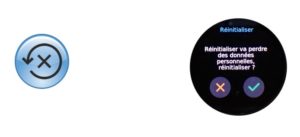
12-Reset resets the watch data to zero. Please note that all data stored in the watch will be lost. Click on the icon, then validate or invalidate your choice.
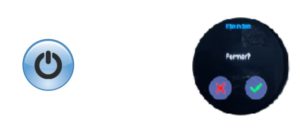
13-Turn off Turns the watch off. To switch back on, press and hold the rotating crown.
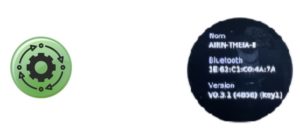
14-System gives you information about your watch. Bluetooth identification number (serial number) and firmware version.
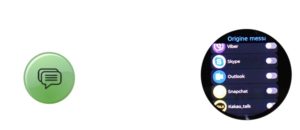
15- Location information lets you choose the origin of your notifications. Note that if you select WhatsApp, for example, you'll receive phone notifications via this network too. Click on the icon and then click on all the virtual switches to confirm your selection. You can as well configure this from the APP.
16-Click on the Health Monitoring icon, then click on the virtual switch.
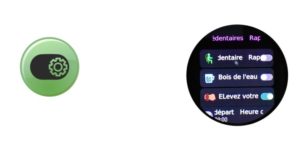
17-Sedentary reminders allows you to activate the reminder to get up, drink water and activate dial lighting when moving. Please note that you must activate the latter function on a time slot of your choice. Click on the icon and confirm your choice.
18-SOS activates the SOS button. If you press the button on the bottom right for 10 seconds, the watch will send a message to your phone, which will initiate an automatic call to the person you have previously indicated on the airn connect application. Click on the icon to activate or deactivate the SOS function. See also the SOS mode chapter about IOS.
5-Quick mode dial change
You can simply change the dial of your watch at any time. From the “home” page, press and hold the center of the dial. A vibration and a reduction in the size of the dial indicate that you can change the dial by sliding your finger sideways to reveal the options. The digital dial shows time, date, moon phase, pedometer, heart rate, altitude, atmospheric pressure and watch charge status. The analog dial (hands) shows time, date, pedometer, heart rate, Kcal consumed and watch charge status.
Press the crown or slide the dial to the right to return to the “home” page.
17-Quick access menu setup
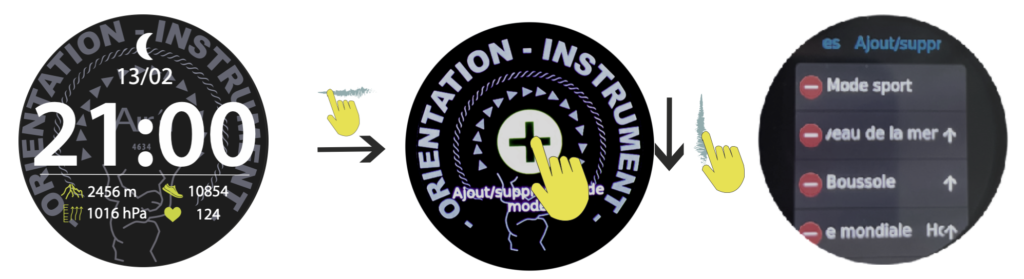
From the “home” page, sweep the dial to the left until you reach the compass page. From here, you can change the order in which quick access functions are displayed. You can also add or remove functions.
Press the crown or slide the dial to the right to return to the “home” page.