THEIA II watch menus, notifications, world time and alarm
6-Icons left page
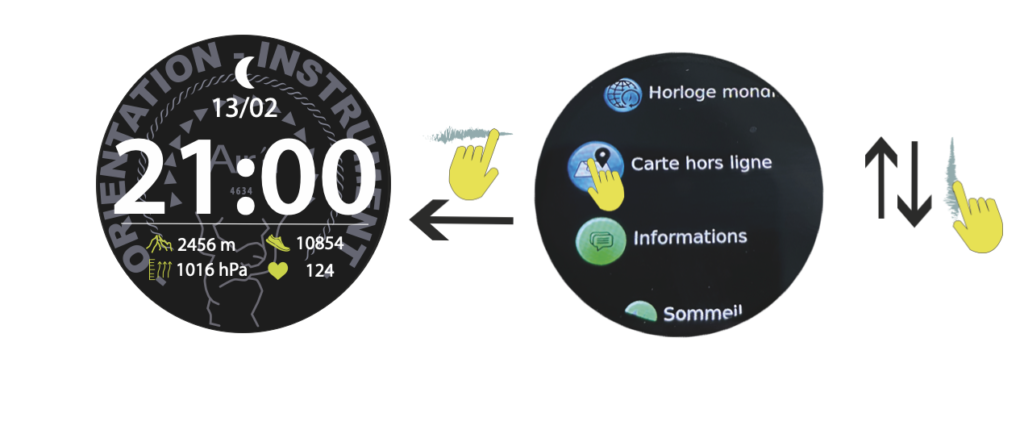
From the “home” page, sweep the dial to the right to access the icons page.
This page gives you access to all the watch's functions, including configuration mode (accessible from quick access). You can use the rotating crown to select the various functions.
1-Heart rate (see Heart rate))

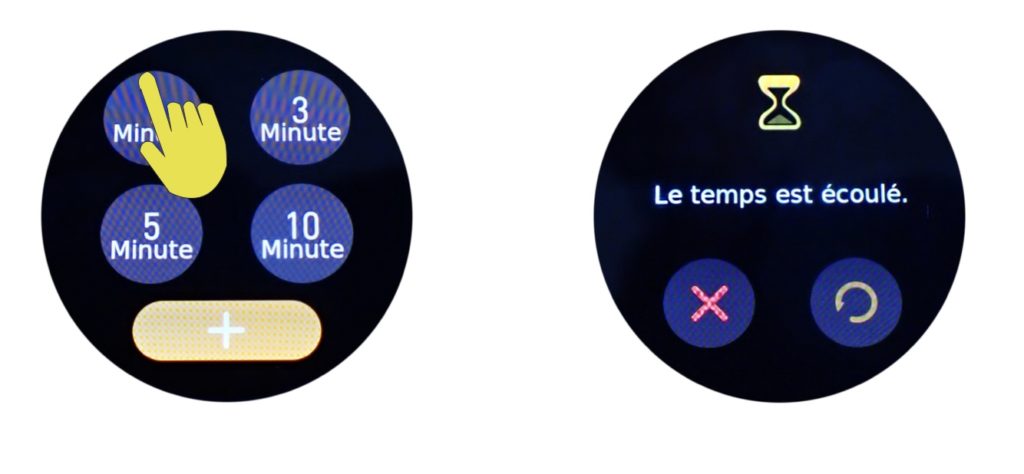
2-Countdown :
Click on the icon to activate the countdown, then select one of the 4 options: 1, 3, 5 or 10 minutes. The countdown then activates and returns to the “home” page. At the end of the countdown, the watch vibrates and indicates the end of the countdown.
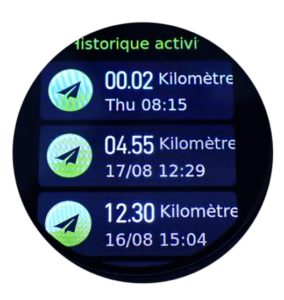
3-Activities Histories :
Your watch records your sporting activities. This function allows you to view them by date. Click on an activity to obtain a history with the data relating to your activity. (See “Sports” mode)
When you connect your watch to your phone, your entire activity history is transferred to your phone via the Aira Connect app. Once the data has been transferred to your phone, it is automatically deleted from the watch's RAM. It may take some time for the data to be compressed and fully transferred to your phone.
If the watch has not been connected, a message saying “not enough space for sports” may appear. This does not affect recording, as it means that the watch will delete old activities to free up space for new ones. Please note that at this point, old data that has not been transferred to the server will be lost.
After or not having connected your watch to the app, you can also delete the history by pressing the delete history icon. Please note that if you have not connected the watch to the app, the deleted data will be lost.

4- Daily activity. (see Daily activity)
5-Map directory
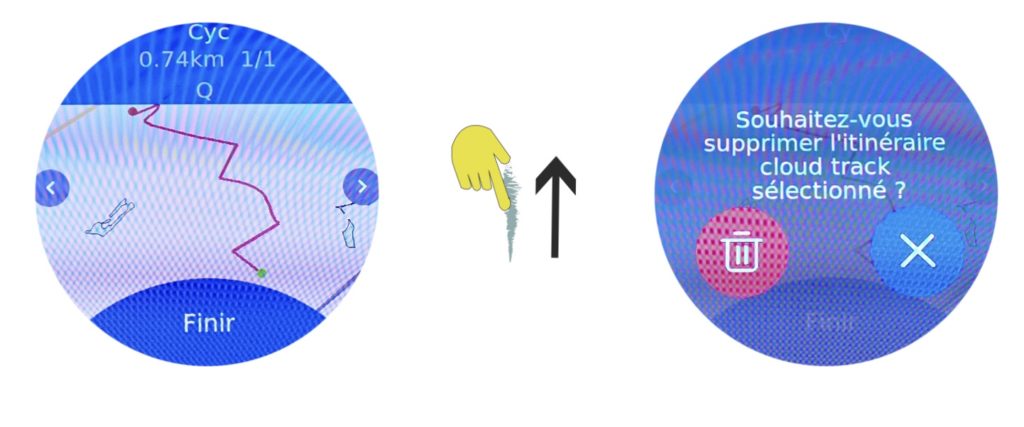
Allows you to consult the tracks stored in the watch. Click to display them and swipe right or left to view them. See also chapter route on the watch
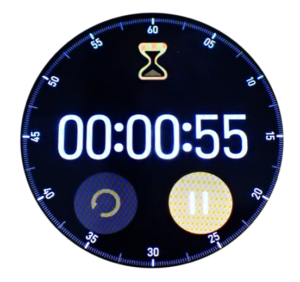
6-Chronometer
Click on the icon and then on the orange arrow to start the stopwatch. Click on the arrow to stop the stopwatch. The icon on the left resets the timer to zero.
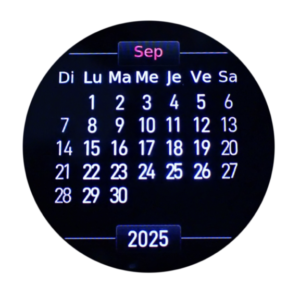
7-Calendar
Click on the Icon to display the calendar.
8-Global settings (see setup)

9- Altimeter (see Altimeter)

10-Compass (see Compass)
11-World time (see GTM time)

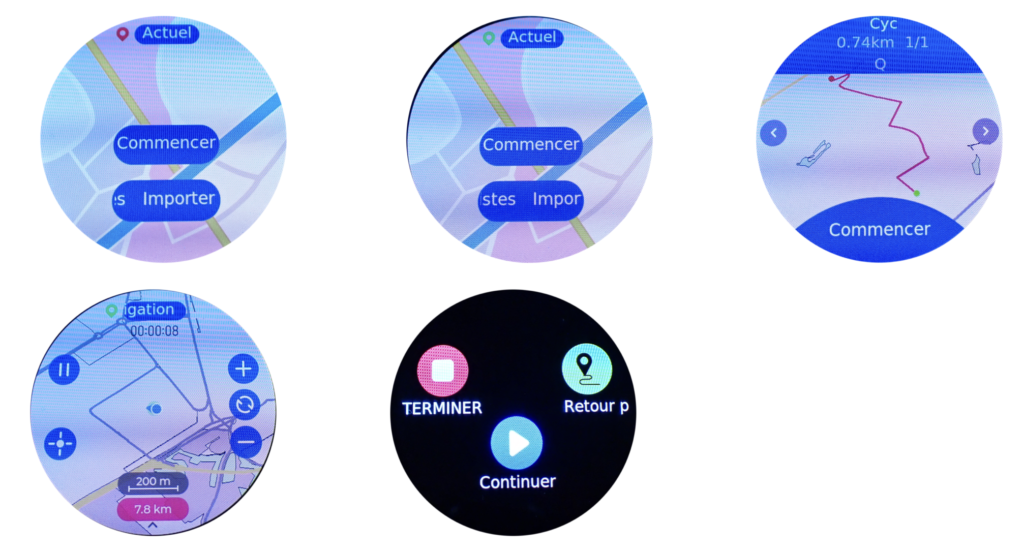
12-OFFLINE Maps
Click on the icon to launch the GPS map recording activity. This mode lets you locate yourself on a map.

13- Informations (see Messages)

14- Sleep analyse (see sleep analyse)

15-Blood oxygen (see blood oxygen)

16- Alarm (see Alarm)
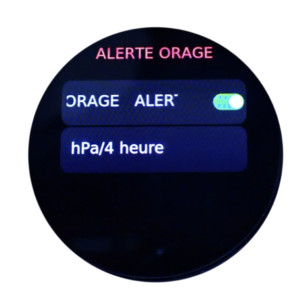
17-Storm Alert
Click on the icon to activate/deactivate the storm warning. You can also calibrate the number of Hectopascals dropping during the hour. Click on the red arrow to confirm.

7-Notifications
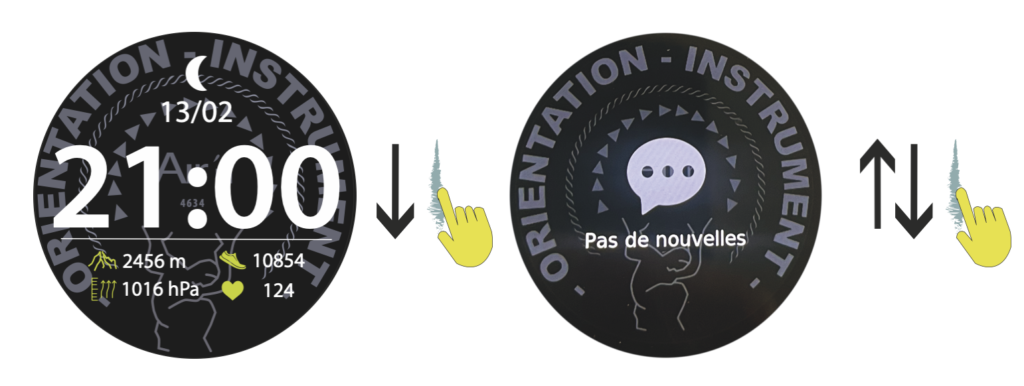
From the “home” page, sweep the dial down to access notifications.
You can partially edit your notifications by pressing the corresponding icon, and then delete them if you wish. Please note that deleting notifications from your watch does not delete them from your cell phone.
Press the crown or slide the dial to the right to return to the “home” page.
11-World Time
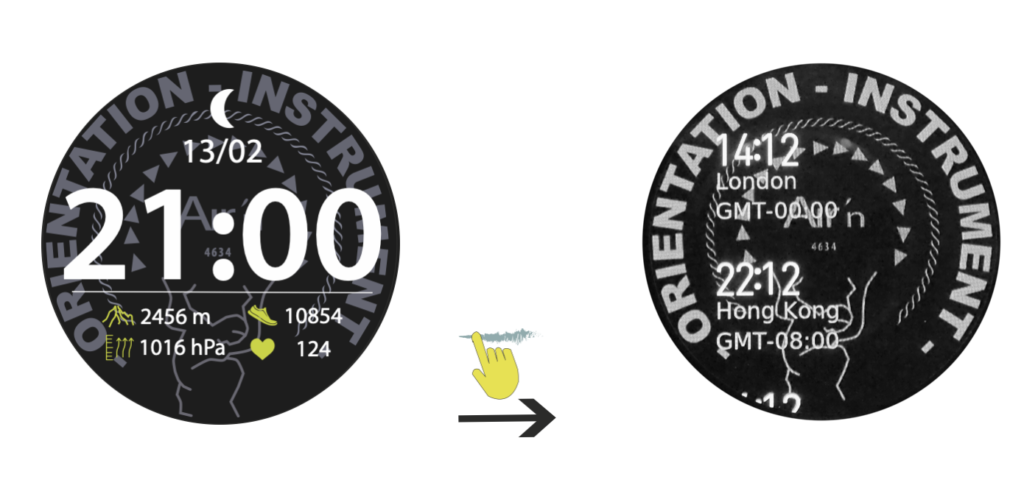
From the “home” page, sweep the dial to the left until you reach the world time page.
You need to configure this mode from the application under World Time. Search for the desired city and add it. If you can't find the city you're looking for, look for a nearby city or one in the same time zone. You have 5 possible choices.
Press the crown or slide the dial to the right to return to the “home” page.
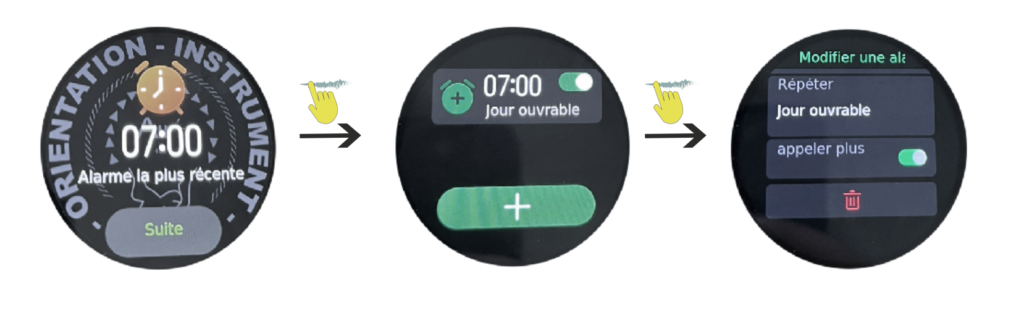
16-Alarm
From the “home” page, sweep the dial to the left until you reach the alarm page.
If you have already calibrated an alarm from the application, for example, the most recent one is displayed. You can then modify it as you wish.
Press the crown or slide the dial to the right to return to the “home” page.